Use it in the browser, on tablets and phones, or on a computer. Turn on what you need and leave the rest off.
What it’s for
This is everything that is not one function. It covers where the app runs, how you set it up for your business, what keeps working without internet, how it stays safe, and which tools it connects to. Updates arrive automatically.
In this part of the app
Every device
It runs in the browser, on iPad and Android tablets, on iPhone and Android phones, and as a desktop app for Windows, macOS and Linux.
Set up a device for one job
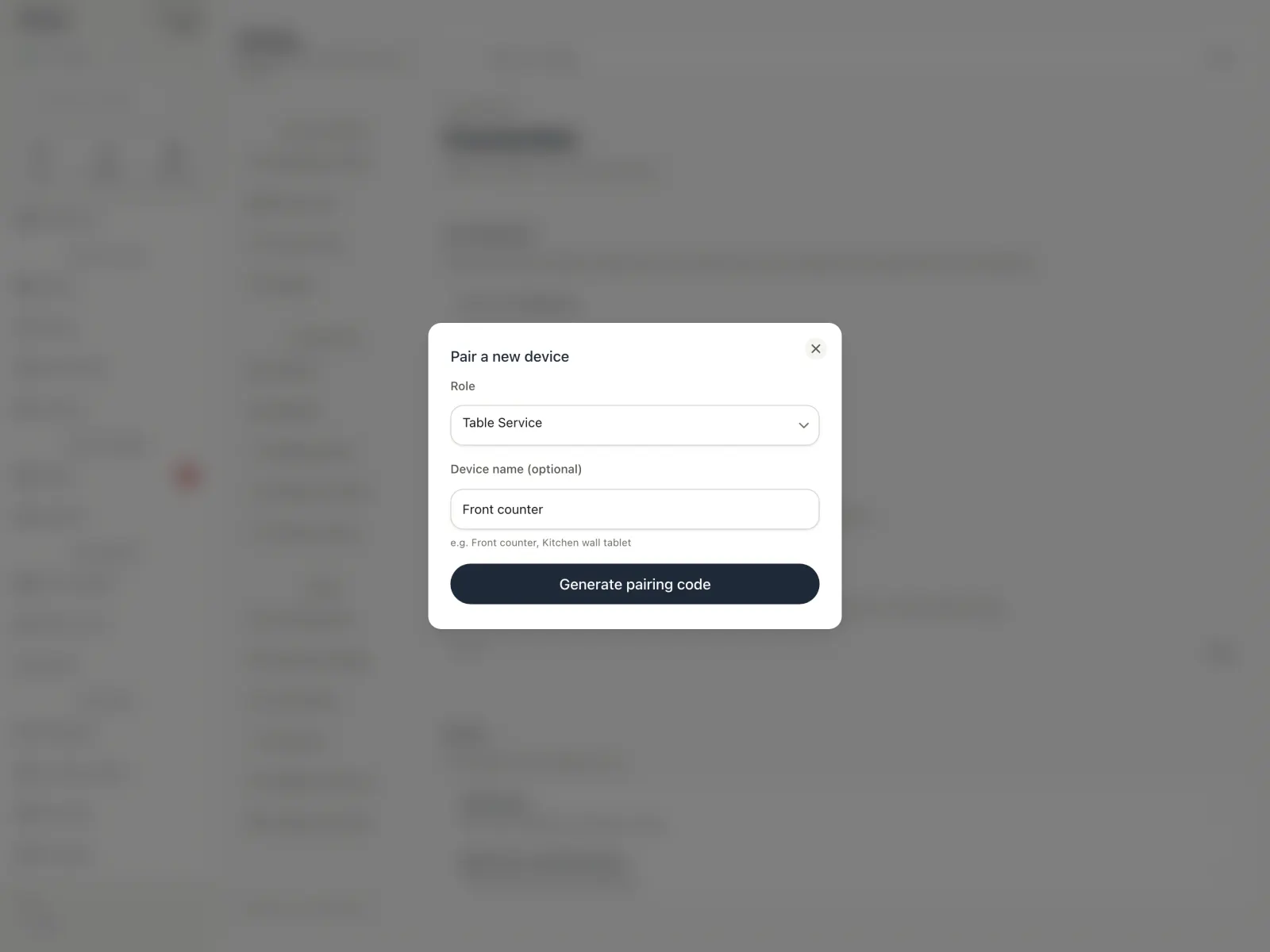
Counter, kitchen display, table service, customer display or back office
A phone for floor staff
Make it yours
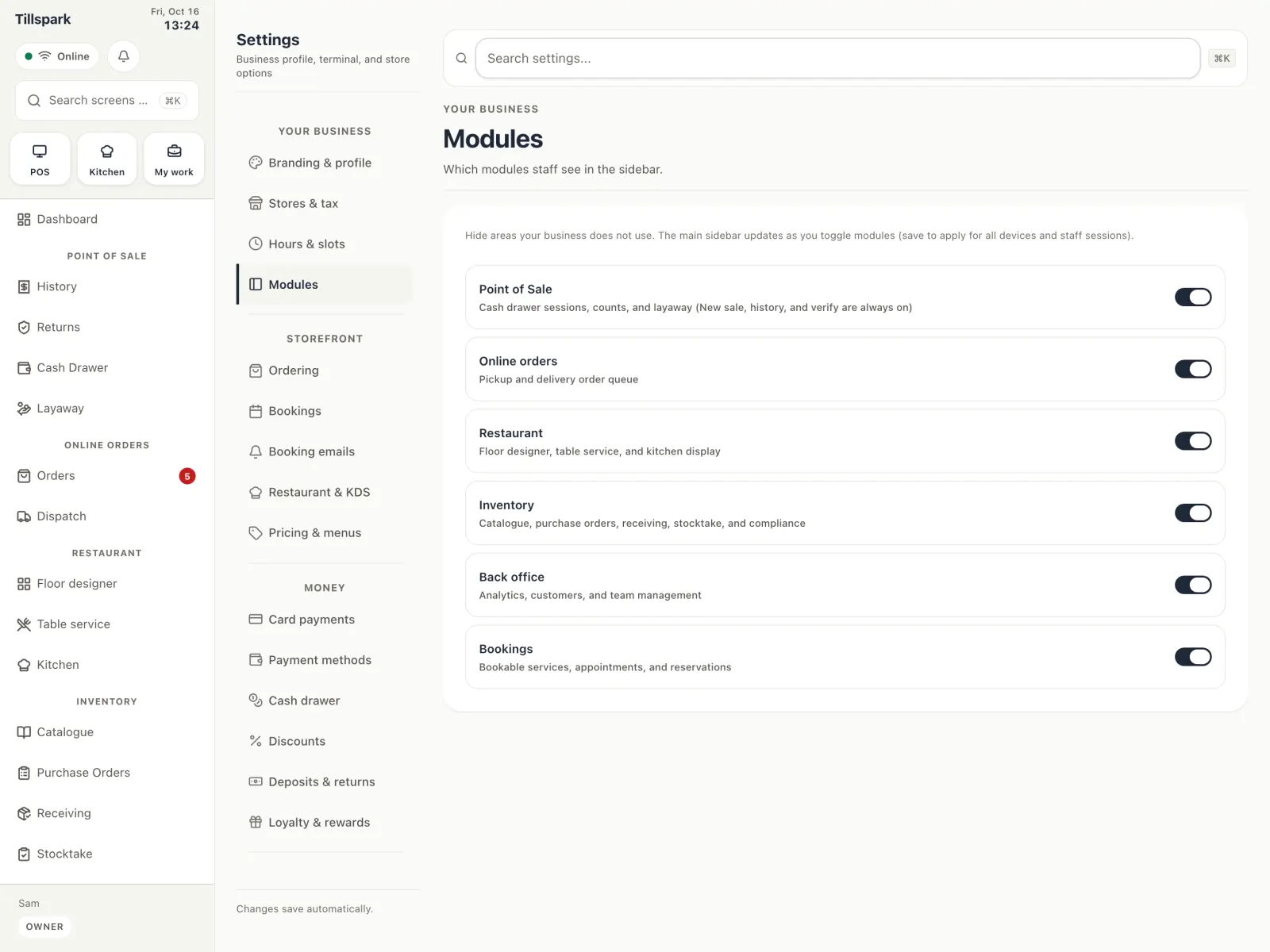
Turn parts of the app on or off. Defaults follow your type of business, and you can change every one of them.
Starts from 13 types of business
Switch on only what you use: Point of Sale extras, Online orders, Restaurant, Inventory, Back office, Bookings
Light or dark theme, and 28 languages
Currency and tax set by region, and always editable
Several locations, each with its own stock, hours, floor plan and cash sessions
Your brand
Make receipts and the customer display look like your business.
Your branding on receipts
Promo slides, images and video on the customer display
Extra fields on your receipts
Offline
Cash sales from your saved catalog keep working without a connection, with a QR receipt, and sync later.
Voids, held orders, cash drawer open and close, and the time clock are queued too
Card payments need a connection
Online orders, redeeming gift cards and live reports need a connection
Security and audit log
You decide who can do what, and the app keeps a record.