Invoice maker
Create invoices and receipts at a desk, away from the register.
- Create invoices
- Create receipts
- Find them again in History
Back office
Reports, customers, your team and your invoices, in one place away from the counter.
Back office is where you step back from the counter. See what sold and what you earned, know your customers, and look after your team. Loyalty is set up in Settings: points per spend, VIP tiers, visit stamps and rewards such as a percentage off, an amount off, a free item or buy X get Y. It also covers store credit and gift cards.
Create invoices and receipts at a desk, away from the register.
See how your business is doing, and compare it with an earlier period.
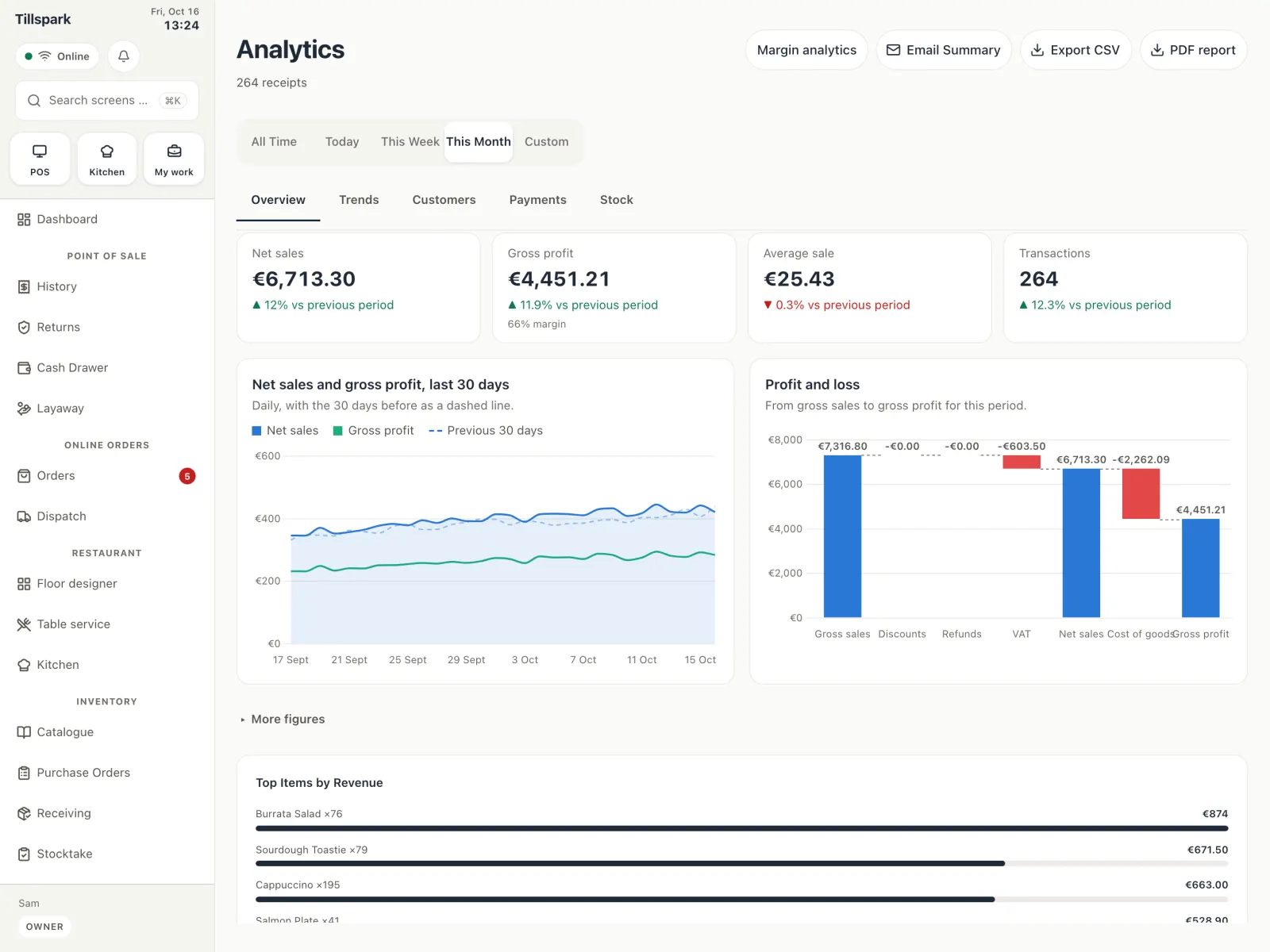
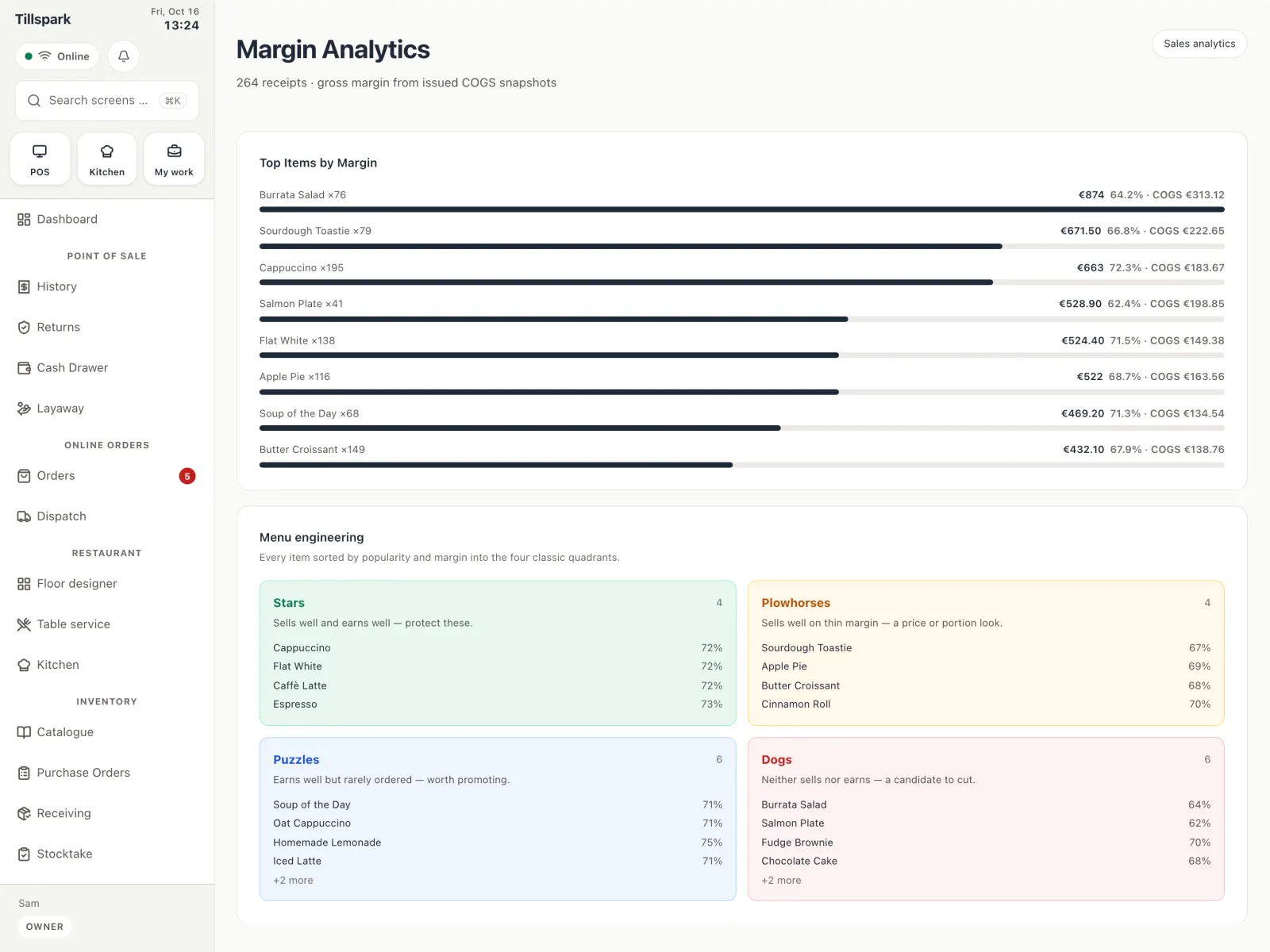
See what you really earn, per day or per item. It needs a cost price on your products.
A customer list built from saved receipts and the people you add yourself.
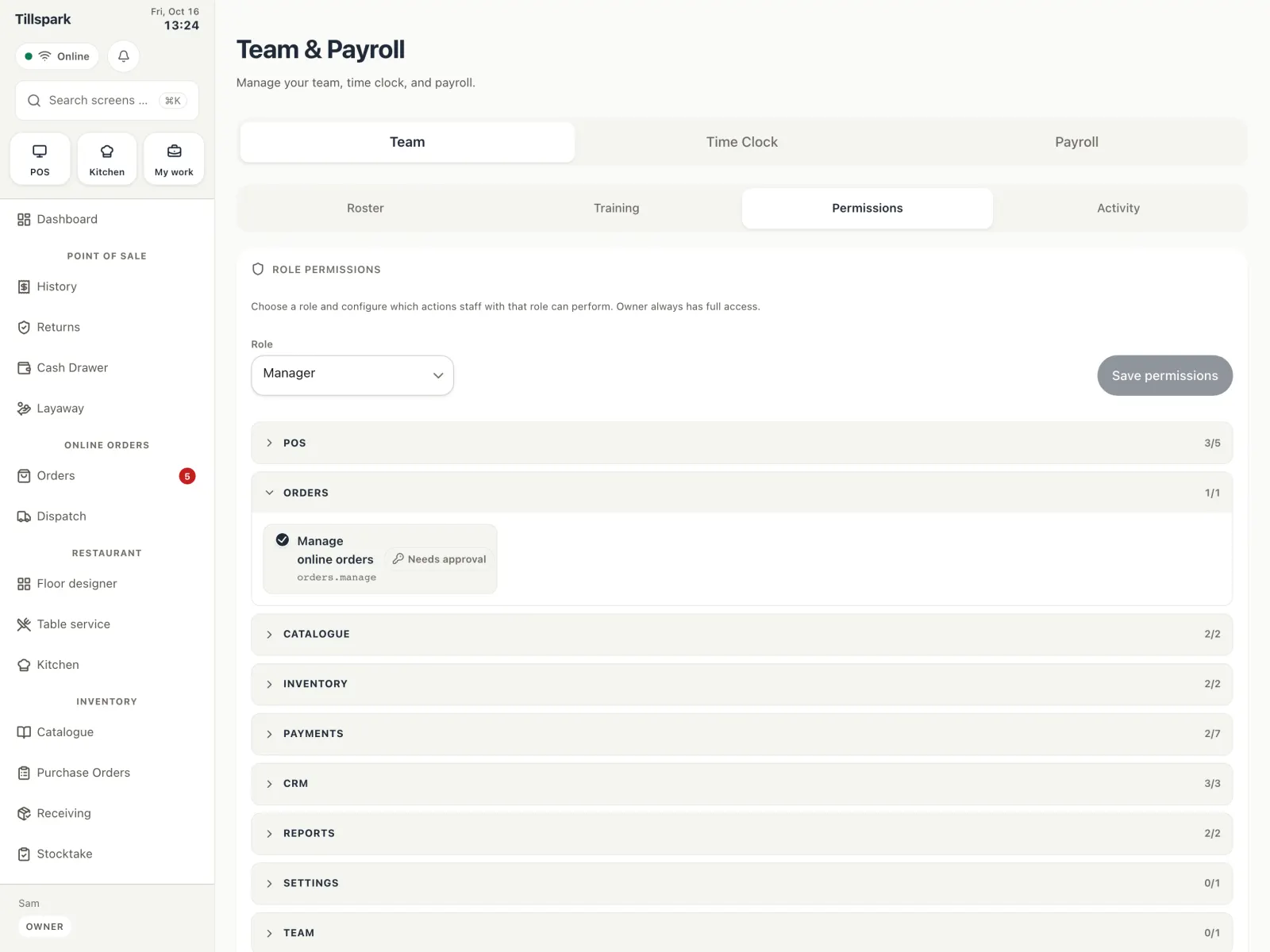
Invite staff, decide what each person may do and keep track of their hours.
A cost price on each product. Without it the app can show sales, but not what you earned on them.
Yes, but only customers who agreed to it.
Invite them, or share your store code. Then give each person a role and a PIN.
Yes. You can export or delete a customer’s data when they ask.
Tell us about your business and we’ll set you up with early access.
Get started