Calendar
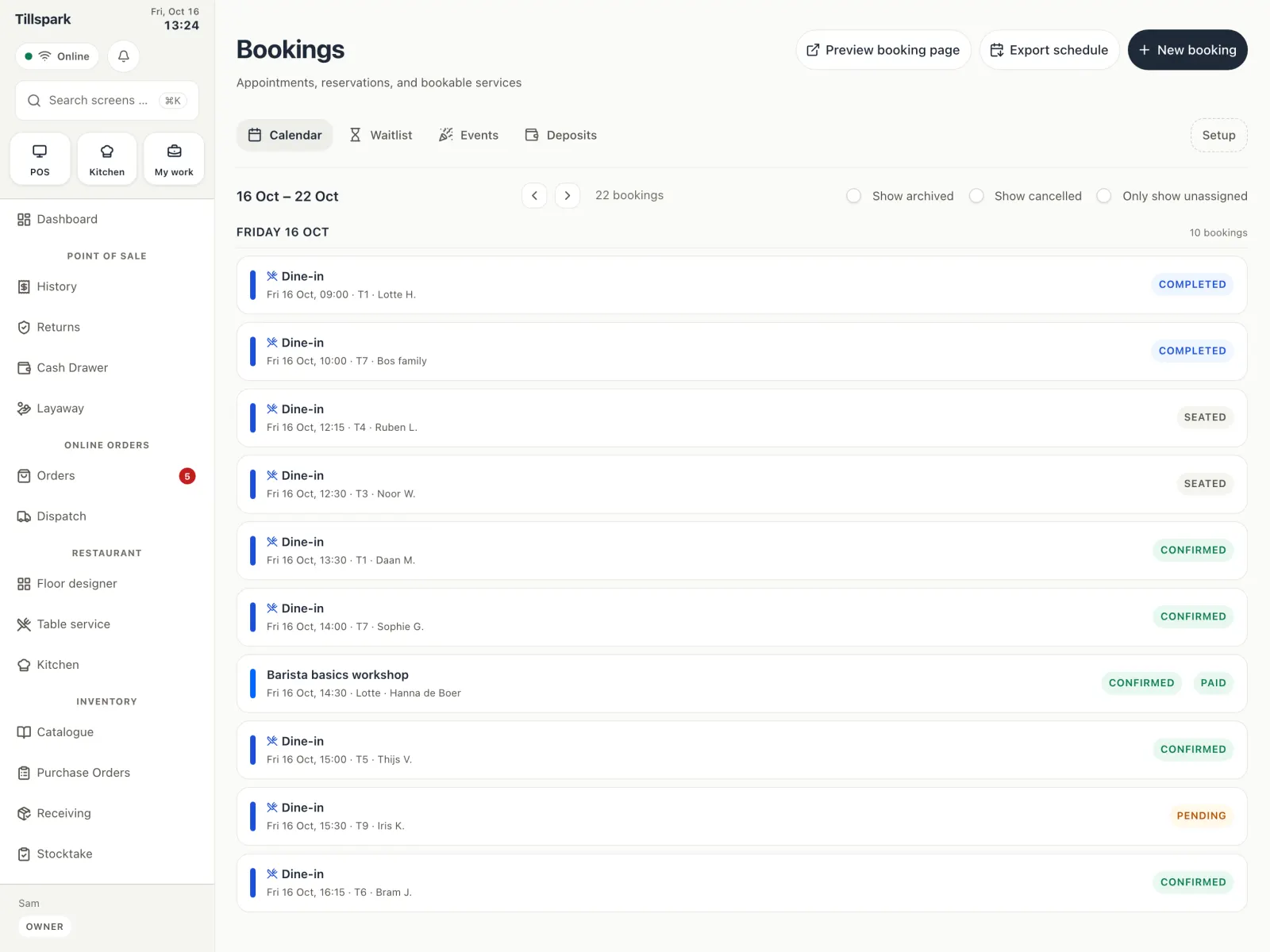
Appointments and table reservations side by side in one calendar.
- Customers can book online
- Booking emails go to your team
- Calendar feeds (ICS) for staff
- Automatic push reminders before a booking
Bookings
Appointments and table reservations live in one calendar. Customers can book online, and you can ask for a deposit.
Bookings is one page with seven tabs. Set up what people can book and who or what they book. Customers book online, your team gets an email, and reminders go out before the booking. Deposits help when someone does not show up.
Appointments and table reservations side by side in one calendar.
Keep a list of people who are waiting for a place.
Set up what customers can book, and how long each one takes.
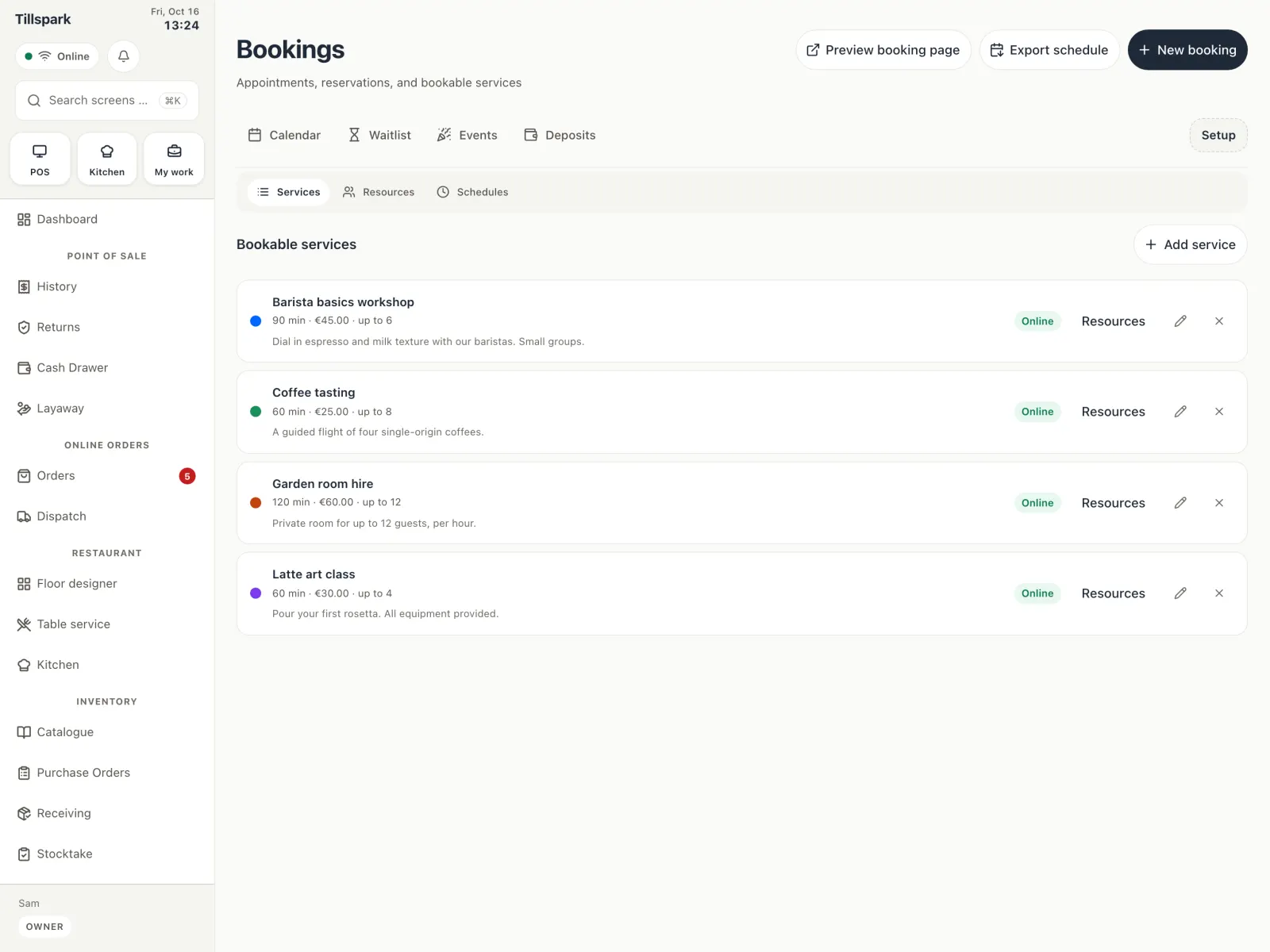
Staff, rooms or equipment that can be booked, each with their own hours.
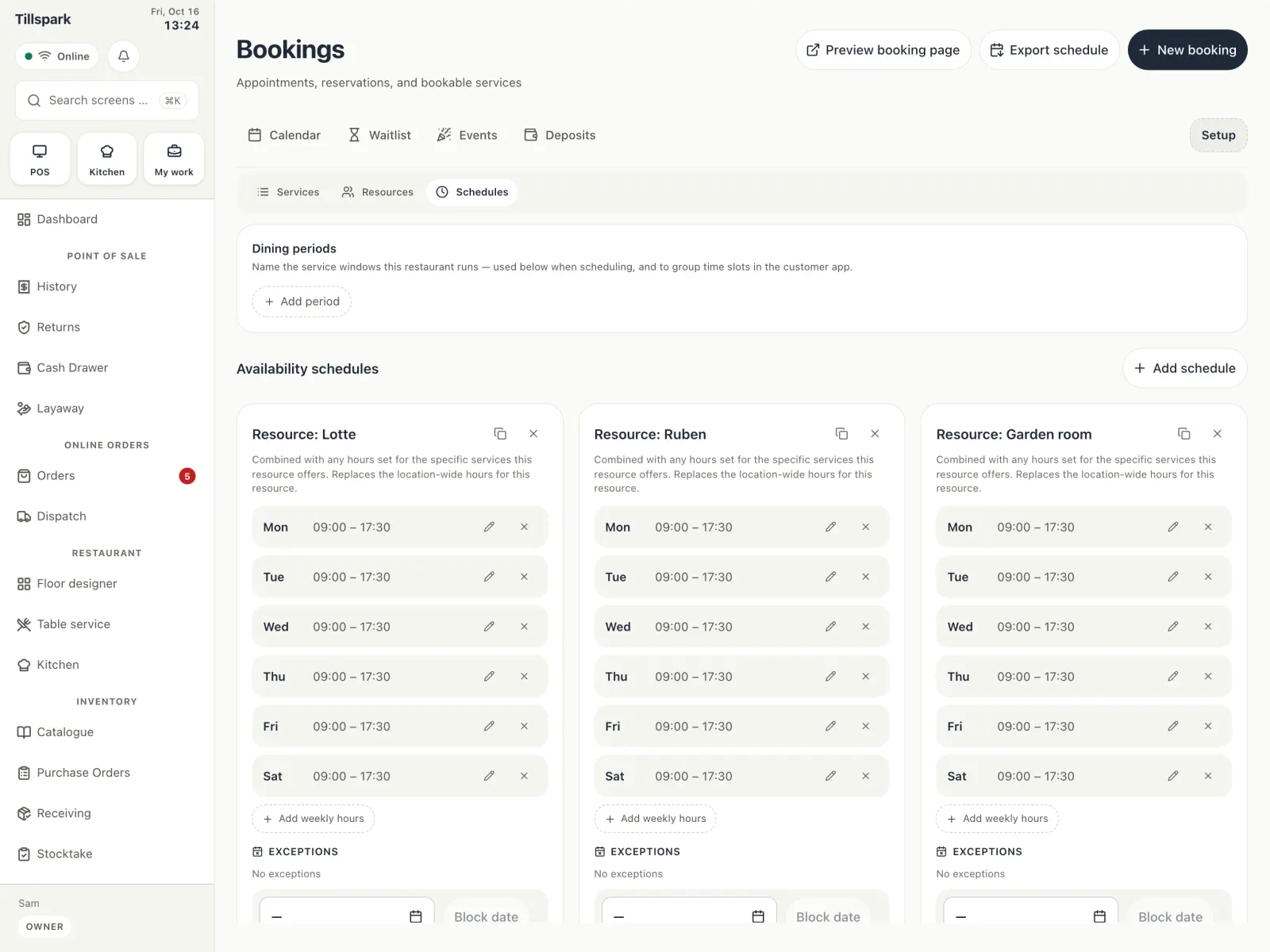
Set the hours when people and resources can be booked.
Plan events next to your normal bookings.
Ask for a deposit to hold a booking, and refund it when needed.
Yes. Customers can book online, and your team gets an email for every booking.
Yes. They share one calendar.
Yes. When you mark a booking as no-show, a no-show fee is applied.
Yes. Each person can add a calendar feed (ICS) to the calendar app they already use.
Tell us about your business and we’ll set you up with early access.
Get started